
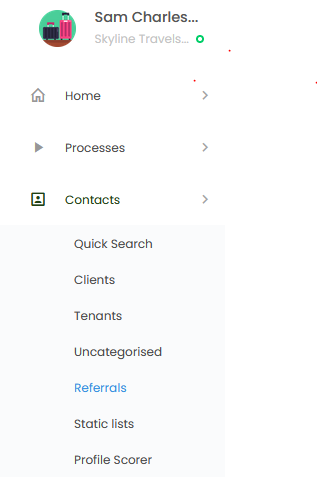
You can view referrals made by your existing customers on this page: Menu > Contacts > Referrals.
You can collect referrals from your customers by sharing the link on the Referrals page with them. On the Referrals page, you will find a unique link on the header of the page.

When a submission is made on that link, you will be able to view all the details of the referral on the table below.
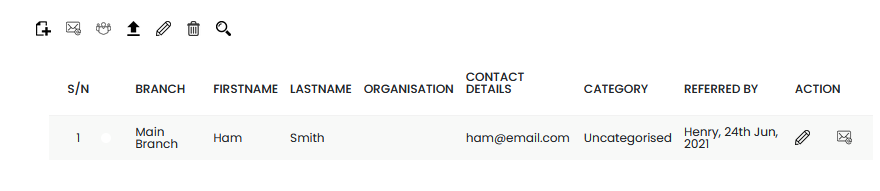
With these information, when you click on the pencil icon, you can send a personalized email to the referral.