
Sending birthday wishes by email is a thoughtful way to show your contacts you care — it helps build stronger connections and keeps your community engaged.
Setting up birthday emails in My Centre Office is quick and easy. Just follow these simple steps:
Compose the birthday email
- Log in and go to Menu > Emails > Email Templates.
- Open the existing Happy Birthday template or create a new one.
- Customize the email subject and message to your liking.
- Save your changes by clicking Create or Update at the bottom.
- Bonus tip: Make your birthday emails more fun by adding emojis or a colorful birthday flyer — after all, it’s a celebration!
Set the birthday email
- Next, go to Menu > Settings > System Settings > Main Settings.
- Select the Email Settings tab.
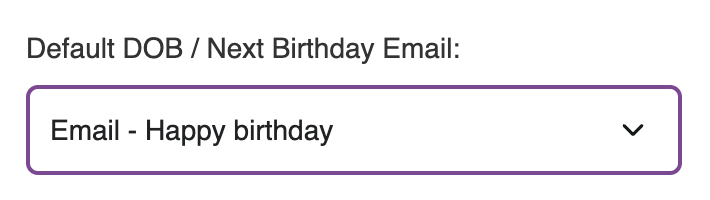
- From the dropdown list, set the 'Default DOB / Next Birthday Email' to your Happy Birthday template.
- Click Save to apply your settings.
Update contacts with their Date of Birth / Next Birthday
- Navigate to Menu > Quick Search or any of the Contact pages
- Search for a contact and open the contact record
- Locate the View/Edit tab and find the Dob / Next Birthday field
- Update it with the correct date of birth or next birthday
- Use the 'Update' button at the bottom of the page to Save
- Going forward, the contact will get the birthday email on their birthday