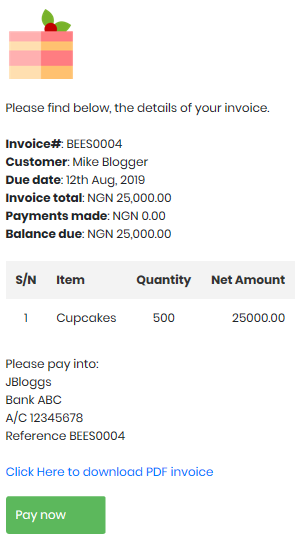
If you have an account with one of our supported payment providers, when sent the invoice via email, a Pay Now button is provided, allowing the customer to pay online.
A payment transaction will be automatically in your bookkeeping, as soon as the payment is collected.
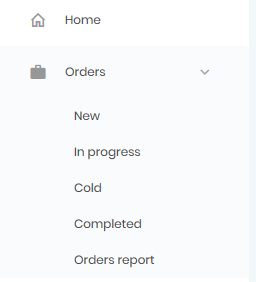
To invoice a customer for an order, Menu > Bookkeeping > Purchase orders > New or In-Progress.
Open the order, and click on the Quotes/Invoices tab. Use the form to create an invoice.
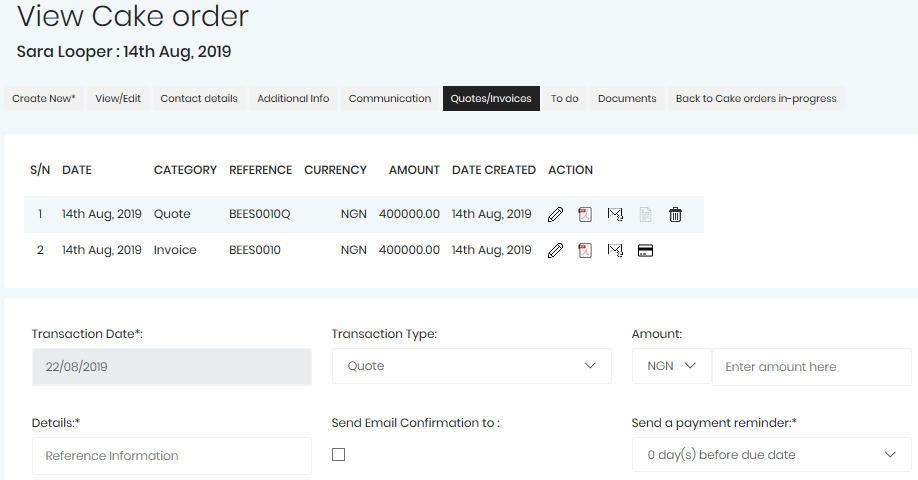
After an invoice is created, you will be able to Edit the invoice, Download as a PDF, send invoice as an Email to the customer, or record a Payment.
The Pay Now option is only presented to the customer within the email, if you are using one of our supported payment providers.
Below is what the Pay Now option looks like in the invoice email.